


Making a special birthday video is the best way to show someone you love them.
You might wonder which app is good for making birthday videos when you have hundreds of photos on your phone.
The right app helps you put pictures together, add happy music, and make text pop on the screen.
Different apps do different things.
Some apps are great for group videos, while others are best for quick photo montages.
Let us look at the best choices available so you can pick the right one for your celebration.
How to make a birthday party video?
Making a birthday party video means gathering your favorite pictures and video clips and putting them in a row.
You can do this easily using a mobile phone app or a website.
Think of it like building with digital blocks.
You choose your pictures, pick a fun song, and put them together in an order that tells a happy story about the birthday person.
Steps to build your video story
To make your video look nice, follow a few simple steps.
First, collect your pictures and put them in a folder on your phone.
Second, open an easy video app and choose a birthday template.
Third, drop your photos into the template slots.
Finally, add a cheerful song and save your movie.
Can I convert a photo into a birthday video?
Yes, you can easily turn a static photo into a moving video clip using modern video editing apps.
A single picture can become part of a movie when you add zoom effects, text, and background music.
Apps use special tools to make pictures slide, pan, or fade gracefully.
This brings old memories back to life.
Adding motion and effects to still images
Still pictures can sometimes feel boring if they stay completely still.
Good apps let you apply motion effects so the camera slowly moves across the picture.
You can also place animated birthday stickers, floating hearts, or glowing text right on top of your favorite photo.
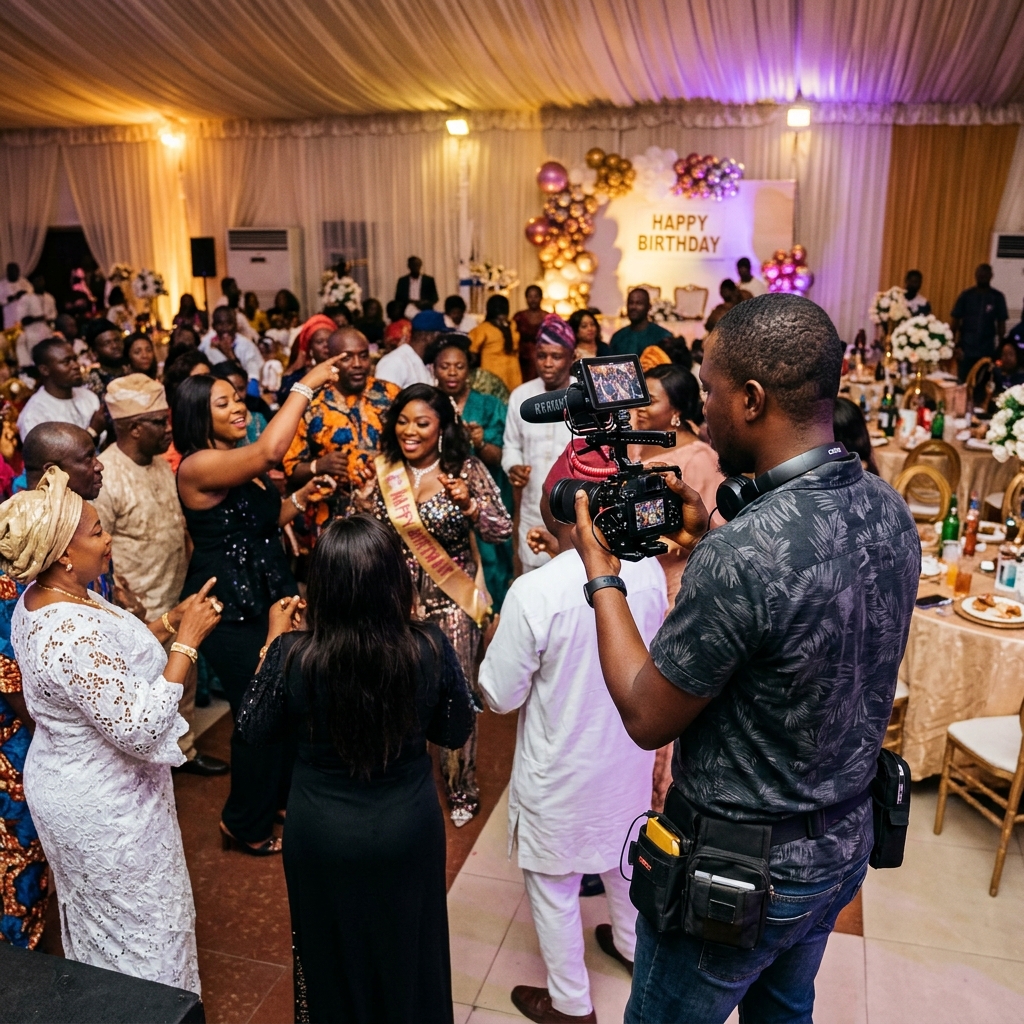
Where to create a birthday video?
You can create a birthday video right on your smartphone, tablet, or computer browser.
If you prefer using your phone, apps like CapCut and Canva are available in app stores.
If you prefer using a bigger screen, web-based tools let you drag and drop files without installing heavy software.
Choosing between mobile apps and web tools
Phone apps are fast because you can use pictures straight from your camera roll.
Web tools are wonderful if you want more workspace to arrange long music tracks and complex text overlays.
Both options let you download your final video as an MP4 file to share on messaging apps or social media.
Which app is free for making videos?
Canva, CapCut, and iMovie are completely free apps that let you make wonderful birthday videos without paying money.
Free versions give you access to standard editing tools, filters, and background music tracks.
You do not need a paid subscription to make a gorgeous birthday greeting for your friend or family member.
What do free video apps offer?
Free video apps give you templates, text styles, and transition effects.
Some free apps may include a small watermark or limited cloud storage, but they still give you full permission to save your project.
Always check if the background music provided is free to use if you plan to upload the video to public social media networks.
What is the easiest video making app?
Canva is widely considered the easiest video-making app because it relies on ready-made templates that do the design work for you.
You do not need any prior video editing experience.
You simply pick a birthday layout you like, swap out the sample photos with your own pictures, and change the text to match your party details.
Why simple templates save time
Templates take away the hard choice of where to put things on the screen.
The fonts, colors, and timing are already pre-arranged by professional designers.
All you have to do is drop in your memories, making the whole process fast and frustration-free.
Frequently Asked Questions
Can I make a birthday video on my phone?
Yes, you can use free mobile apps like CapCut, Canva, or your phone’s built-in video editor to create birthday videos directly from your mobile device.
Do I need internet access to make a birthday video?
Most modern video apps require an internet connection to download templates, music, and share your final project, though some local editing apps work offline.
How do I add music to my birthday video?
Most video apps feature an audio tab where you can choose built-in tracks, upload your own favorite song files, or record a voice greeting.
Can I collect video clips from multiple friends?
Yes, specialized group video platforms like Tribute allow you to send a link to friends and family so they can upload their own video wishes into one compiled montage.
How long should a birthday video be?
A great birthday video is usually between one to three minutes long, keeping viewers engaged with your best photos and heartfelt messages.
Conclusion
Choosing the right app makes creating a birthday video fun and simple.
Whether you use Canva for easy templates, CapCut for creative edits, or a group tool to gather clips, your loved one will cherish the memory for years.
Pick an app, gather your favorite pictures, and start crafting your special birthday surprise today!